Small language models in tax: the AI that never sends client data anywhere


The reason most tax teams don't paste client data into ChatGPT isn't that the answers are bad. It's that the data shouldn't be there at all.
Hand a model a batch of expense lines to flag the non-deductible ones, or a stack of invoices to read — useful, ordinary work. The catch is always the same: doing it through a cloud model means sending a client's numbers to someone else's server. For most of what we handle, that's a non-starter.
A small language model fixes that by changing one thing: where the model runs. Let me explain what one is, why it fits tax in particular, and how to start without a budget approval.
What is a small language model?
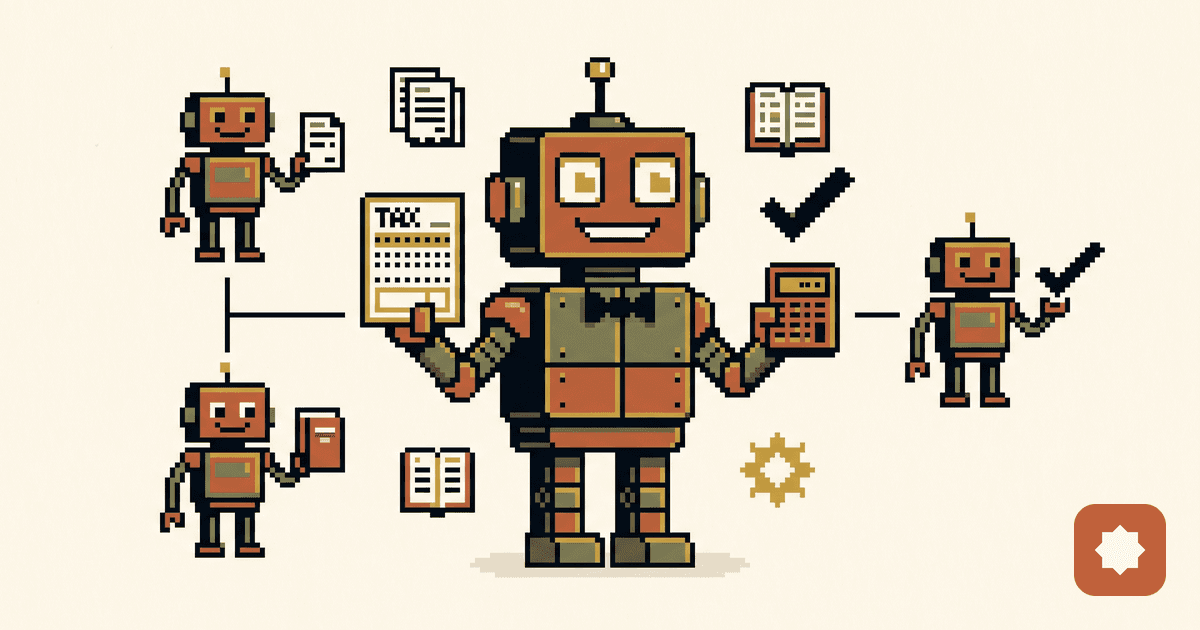
A small language model — an SLM — is a model small enough to run on hardware you already own. A good laptop, a single GPU, sometimes just the CPU if you are patient. Roughly one billion to fourteen billion parameters, against the hundreds of billions in the frontier models you reach over the internet.
The contrast is the whole story for tax. A frontier model — the GPT, Claude, or Gemini class — lives in someone else's data centre, and you use it by sending your data there. A small model lives on your disk. You download the weights once and run them offline.
Names move fast, so treat these as illustrative rather than a shopping list: models like Microsoft's Phi, Meta's smaller Llama 3.x sizes, Qwen2.5, Google's Gemma, Mistral's small models, or IBM Granite. Several run comfortably on a 16GB laptop today.
Why an SLM fits tax: the data stays on your machine
Most of what we handle is exactly the kind of data you do not want to email to a stranger — trial balances, draft returns, contracts, related-party pricing, customs files. Numbers a competitor would pay for and a regulator would fine us for leaking.
Send that to a third-party cloud model and you have created a problem that has nothing to do with the model's answer. It can clash with client confidentiality and NDAs, with professional-secrecy duties, and with data-protection law — Egypt's Personal Data Protection Law if your data subjects are here, GDPR the moment a client has a European limb. "The vendor says it's encrypted" is not the same answer as "the data never left our network."
An SLM removes the question. It runs locally, so the financials never travel. There is no transfer to justify, no sub-processor to vet, and nothing to disclose to a client. For sensitive, repetitive work, that single property is often the whole reason to choose the smaller model.
The other reasons — cost, control, and a model that knows your rules
Confidentiality is the headline. A few more reasons earn their place:
- Cost. No per-token bill. Once it runs locally, classifying ten invoices or ten thousand costs the same — your electricity. High-volume, low-glory work stops being a budget line.
- Latency and offline. No round trip to a server, no outage, no "the API is down" on filing day. It works on a plane and inside a client's locked-down network.
- Control and reproducibility. You pin a version and keep it. When you have to defend a position next year, "we ran this exact model, here is the prompt" is an auditable sentence. Cloud models get updated silently underneath you.
- Fine-tuning. This is the quiet advantage. Train a small model lightly on your own narrow data — your VAT codes, your expense categories, your house treatments — and on that one task, with clean examples, it can match or beat a big general model, because it has actually seen how you do it.
Where SLMs fit — and where they don't
In an earlier post I split AI in tax into three layers — Task, Knowledge, and Judgment. That frame is the cleanest way to place a small model, and the map keeps you out of trouble.
| Layer | SLM fit | Why |
|---|---|---|
| Task (Level 1) | Strong | Narrow, well-defined, rules-based |
| Knowledge (Level 2) | Partial | Good for sourced lookup; weak on open interpretation |
| Judgment (Level 3) | Poor | Ambiguity and reasoning are not its strength |
A small model is the right tool for the boring, repetitive, privacy-sensitive jobs. It is the wrong tool for ambiguity. It will not structure a transaction or weigh an audit position, and you should not ask it to. Use it where the question has a defined answer and the input is sensitive. Stop where the question needs judgment.
Concrete tax use-cases
Specifics, not slogans. Each of these is a real, bounded task an SLM does a good first pass on:
- Classify expense deductibility against your own rules, line by line, with the rationale attached for a human to check.
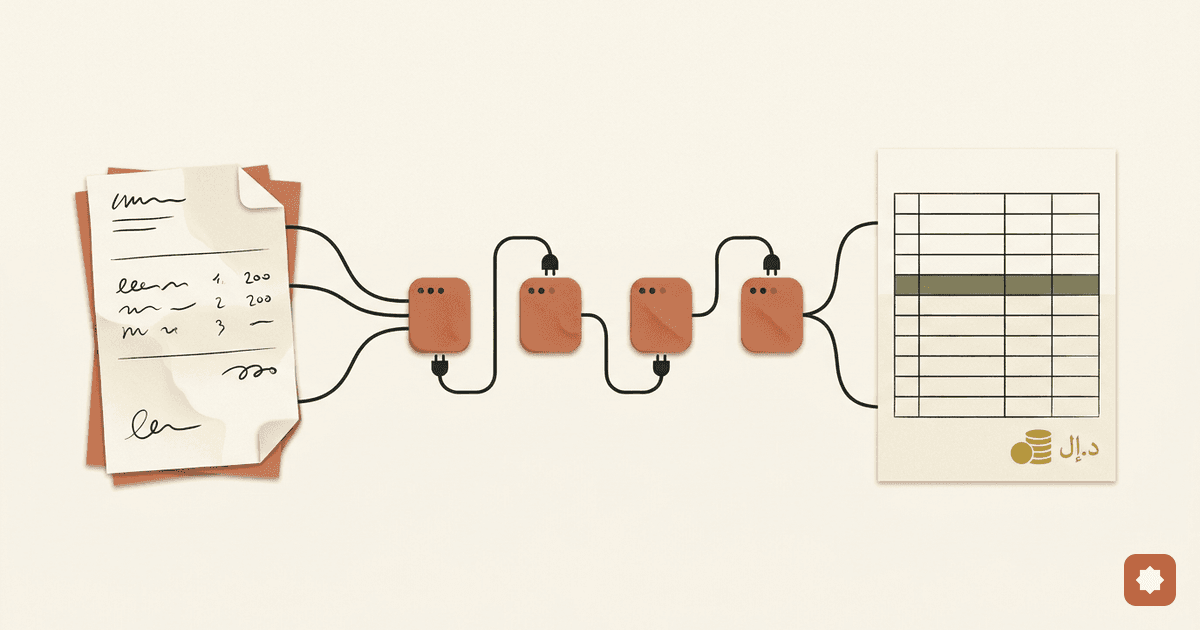
- Extract fields from invoices, returns, or customs forms — with OCR up front — into structured JSON you can load straight into a workbook or ERP.
- Validate and map codes — VAT treatment, GS1/EGS item codes — and flag the ones that don't resolve.
- First-pass anomaly checks on a VAT return — retired item codes, wrong unit codes, VAT lines that don't round.
- Local RAG over legislation, decrees, and your own memos, so a technical question comes back with a sourced answer and nothing leaves the building.
- Draft routine correspondence for a human to edit — never to send unread.
The pattern across all of these is the same: triage and draft, then a person checks.
Ask for structured output and the model becomes a component you can build on rather than a chat window. Tell it the shape you want, and tell it to admit uncertainty instead of inventing:
{
  "task": "classify_expense",
  "rules_version": "FY2026-v3",
  "line": { "vendor": "Acme Catering", "desc": "Client lunch", "amount": 4200 },
  "respond_with": { "verdict": "", "rule_applied": "", "confidence": 0.0 }
}
That object goes straight into a spreadsheet, a check, or a queue. No copy-paste, no reading prose.
How to start — a 16GB laptop and an afternoon
You do not need a project. You need a model runner.
Install Ollama or LM Studio. A 16GB laptop runs the small sizes; a GPU helps but is not required to begin. Then one line gets you a model on your own machine:
ollama run llama3.2
# everything you type here stays on your machine
From there:
- Ask for JSON, not paragraphs, whenever the output feeds another step.
- Use few-shot prompting — paste two or three of your own worked examples into the prompt. A small model leans on examples far more than a big one; your examples teach it your standards faster than any instruction.
- Consider a light fine-tune (LoRA) once a task proves repetitive and stable. You are not building a new model; you are teaching a small one your house style. Try good prompting first.
The honest limitations
I would rather you be disappointed now than in front of a client.
A small model reasons worse than a frontier one — that is the deal you signed for privacy and cost, and you will feel it on anything subtle. It hallucinates. It is sensitive to the quality of your prompt and examples; sloppy in, sloppy out. On document tasks, OCR sets the ceiling — a bad scan means worse fields. And none of this is a substitute for professional judgment. It is a fast, private junior that never tires and never remembers anything: useful, supervised, and not in charge.
Used inside those lines, an SLM is one of the best tools a tax team has had in years. Used outside them, it is a liability with good grammar.
Common questions
Is a local model good enough for real tax work? For narrow, defined tasks — classification, extraction, validation — often yes, especially once fine-tuned on your data. For interpretation and judgment, no. Match the model to the layer.
Do I need a GPU? No, but it helps. A 16GB laptop runs the small sizes on CPU; a GPU makes them fast.
Is local actually more private than a cloud provider's "enterprise" promise? Local is categorically different. A cloud promise is a contract you have to trust and audit. Local means there is no transfer to promise about — which is exactly why the distinction travels well with clients and regulators.
Can it read Arabic invoices and documents? The OCR step is the gating factor more than the language model. Test on your real documents before you trust it.
None of this is about a clever model. It's about a small, private, tireless one — and for the dull, confidential jobs that fill a tax desk, that is the right trade. So the question I would leave you with is the practical one: which repetitive, confidential task on your desk this week never needed a genius in the first place — just a careful machine that keeps the data in the room?